


This website uses cookies so that we can provide you with the best user experience possible. Cookie information is stored in your browser and performs functions such as recognising you when you return to our website and helping our team to understand which sections of the website you find most interesting and useful.

Description
KiviCare is a comprehensive medical clinic and patient management WordPress theme designed to optimize the workflow of healthcare professionals. With its intuitive interface and robust features, KiviCare allows you to easily manage patient appointments, medical records, and billing. The theme also includes a responsive design, appointment scheduling, medical staff management, and multiple layout options to cater to the unique needs of medical practices. Whether you are running a small clinic or a large hospital, KiviCare is the perfect solution for streamlining your patient management process.
Previous Available Versions
Version 2.5.1
download KiviCare – Medical Clinic & Patient Management WordPress Theme free with our Membership plan
How to Install KiviCare – Medical Clinic & Patient Management WordPress Theme
- Purchase and download KiviCare – Medical Clinic & Patient Management WordPress Theme from WPThemesPlug. The ZIP file is available for instant download from your account page.
- Log into your WordPress admin dashboard. Navigate to Appearance → Themes → Add New → Upload Theme and select the downloaded ZIP file. Click Install Now.
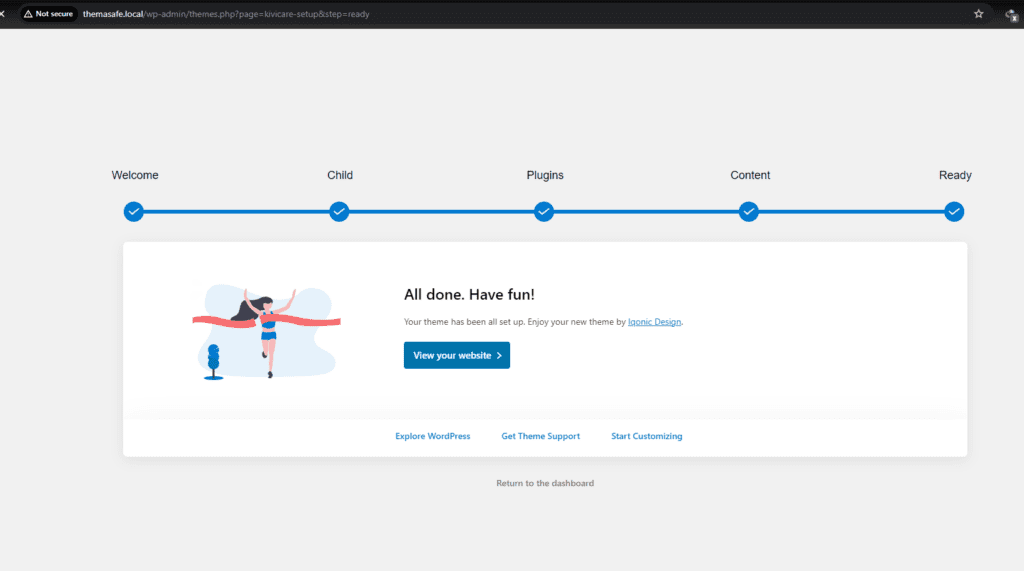
- Activate KiviCare – Medical Clinic & Patient Management WordPress Theme and follow any on-screen setup instructions or setup wizard to configure initial settings.
- Keep your installation updated. New versions appear in your WPThemesPlug account dashboard. Membership holders can install ThemaSafe for automatic updates.
Frequently Asked Questions
How many layout options are available in KiviCare theme for medical practices?
KiviCare theme offers multiple layout options to cater to the unique needs of medical practices, allowing you to choose the best design for your clinic or hospital.
Does KiviCare support page builders like Elementor?
Yes, KiviCare theme supports popular page builders like Elementor, giving you the flexibility to customize your medical website using your preferred builder.
Is KiviCare compatible with WooCommerce for managing medical store functionality?
Yes, KiviCare theme is compatible with WooCommerce, allowing you to easily manage medical store functionality and integrate it with your existing medical practice workflow.
How can I import the demo content for KiviCare theme?
You can easily import the demo content for KiviCare theme by following the instructions in the theme documentation, which includes step-by-step guides for setting up your medical clinic website.




Recent Updated Products



You must log in and be a buyer of this download to submit a review.
Leave a reply Cancel reply