WP Grid Builder
Follow
X

Follow

E-mail : *

WP Grid Builder

in , on September 23, 2023

$5.00

Description

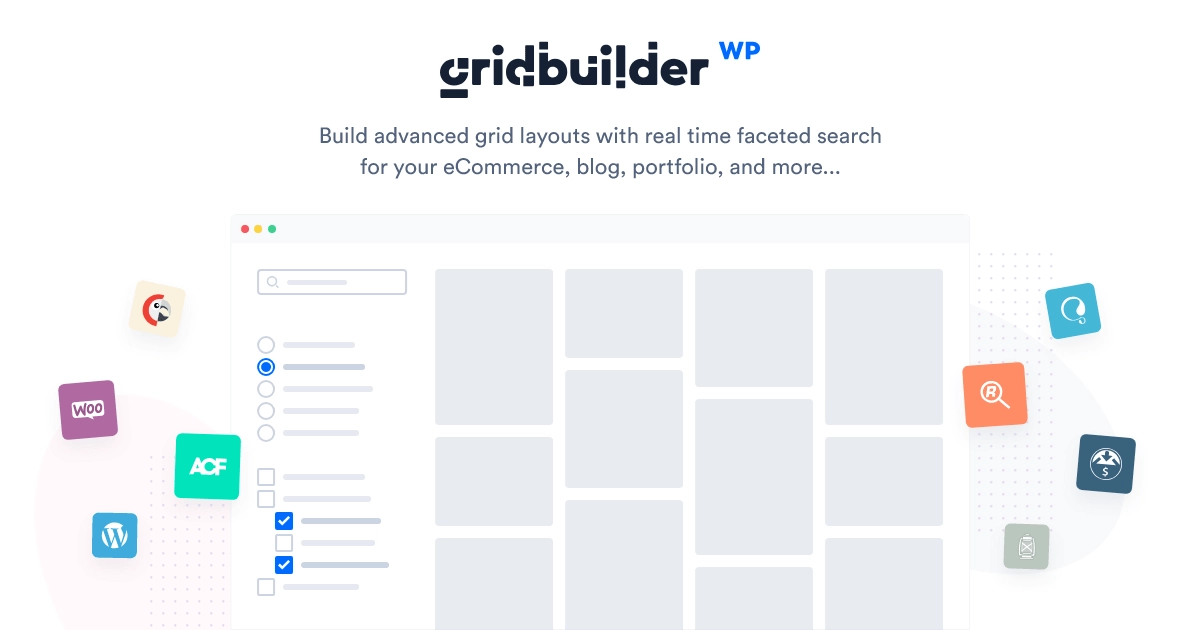
WP Grid Builder is a WordPress plugin that empowers website owners and developers to create stunning grid layouts for displaying content. Whether you want to showcase images, posts, products, or any other type of content, this plugin provides the tools to design and customize grid layouts with ease.

Key Features of WP Grid Builder :

  1. Grid Layout Creation: Effortlessly design grid layouts for your website, allowing you to present content in an organized and visually appealing manner.
  2. Drag-and-Drop Builder: Utilize a user-friendly drag-and-drop builder to arrange grid elements, making it simple to create custom layouts without any coding.
  3. Content Types: Support for various content types, including images, posts, custom post types, products, and more, ensuring flexibility in content display.
  4. Customizable Design: Customize grid elements, such as image size, spacing, colors, and typography, to match your website’s branding and style.
  5. Filter and Sort: Add filter and sorting options to grids, enabling users to refine content based on specific criteria, enhancing the user experience.
  6. Responsive Design: Ensure that grid layouts adapt seamlessly to different screen sizes and devices, guaranteeing a mobile-friendly experience.
  7. Lightbox Support: Enable lightbox functionality for images and other media, allowing users to view content in a larger, interactive display.
  8. Pagination and Load More: Implement pagination or load more buttons for longer grid lists, optimizing page loading times.
  9. Grid Templates: Choose from a variety of grid templates or create your own, providing flexibility in layout design.
  10. Integration Compatibility: Seamlessly integrate with popular WordPress themes, page builders, and other plugins to enhance your website’s functionality.

Previous Available Versions

Version- 2.0.5

Download WP Grid Builder free with our Membership plan

How to Install WP Grid Builder

  1. Purchase and download WP Grid Builder from WPThemesPlug. The ZIP file is available for instant download from your account page.
  2. Log into your WordPress admin dashboard. Navigate to Plugins → Add New → Upload Plugin and select the downloaded ZIP file. Click Install Now.
  3. Activate WP Grid Builder and follow any on-screen setup instructions or setup wizard to configure initial settings.
  4. Keep your installation updated. New versions appear in your WPThemesPlug account dashboard. Membership holders can install ThemaSafe for automatic updates.

Frequently Asked Questions

Can I create custom grid layouts with WP Grid Builder?

Yes, you can create custom grid layouts using the drag-and-drop builder and a wide range of layout options, including grid sizes, column styles, and more.

Is WP Grid Builder compatible with page builders like Elementor?

Yes, WP Grid Builder is compatible with popular page builders like Elementor, allowing you to integrate its grid layouts into your existing page builder workflow.

Can I use WP Grid Builder with WooCommerce to create product grids?

Yes, WP Grid Builder is designed to work seamlessly with WooCommerce, enabling you to create custom product grids and catalogs with ease.

Are pre-designed grid layouts available in WP Grid Builder?

Yes, WP Grid Builder comes with a variety of pre-designed grid layouts and Elementor kits, which can be easily imported and customized to fit your website's style and needs.

More Information

You can now, Search, Download, Install & Update GPL Themes & Plugins Directly From your WordPress Dashboard with Our Plugin ThemaSafe Plugin. 

If an item update isn’t done, request update by indicating the latest version. our agents will follow up and you’ll receive an update notification within the shortest time possible.

Check with support for availability of demo data and child themes.

GPL Notice: This product is distributed under the GNU General Public License (GPL). We are not affiliated with the original developer. Trademarks and brand names belong to their respective owners.

More Products

Share Your Valuable Opinions

You must log in and be a buyer of this download to submit a review.

Product Information

  • Version
    :

    2.0.5

  • Last Updated
    :

    April 18, 2026

  • File Size
    :

    1.15MB

  • Released
    :

    September 23, 2023

  • Price
    :

    $5.00

  • License
    :
    GPL